
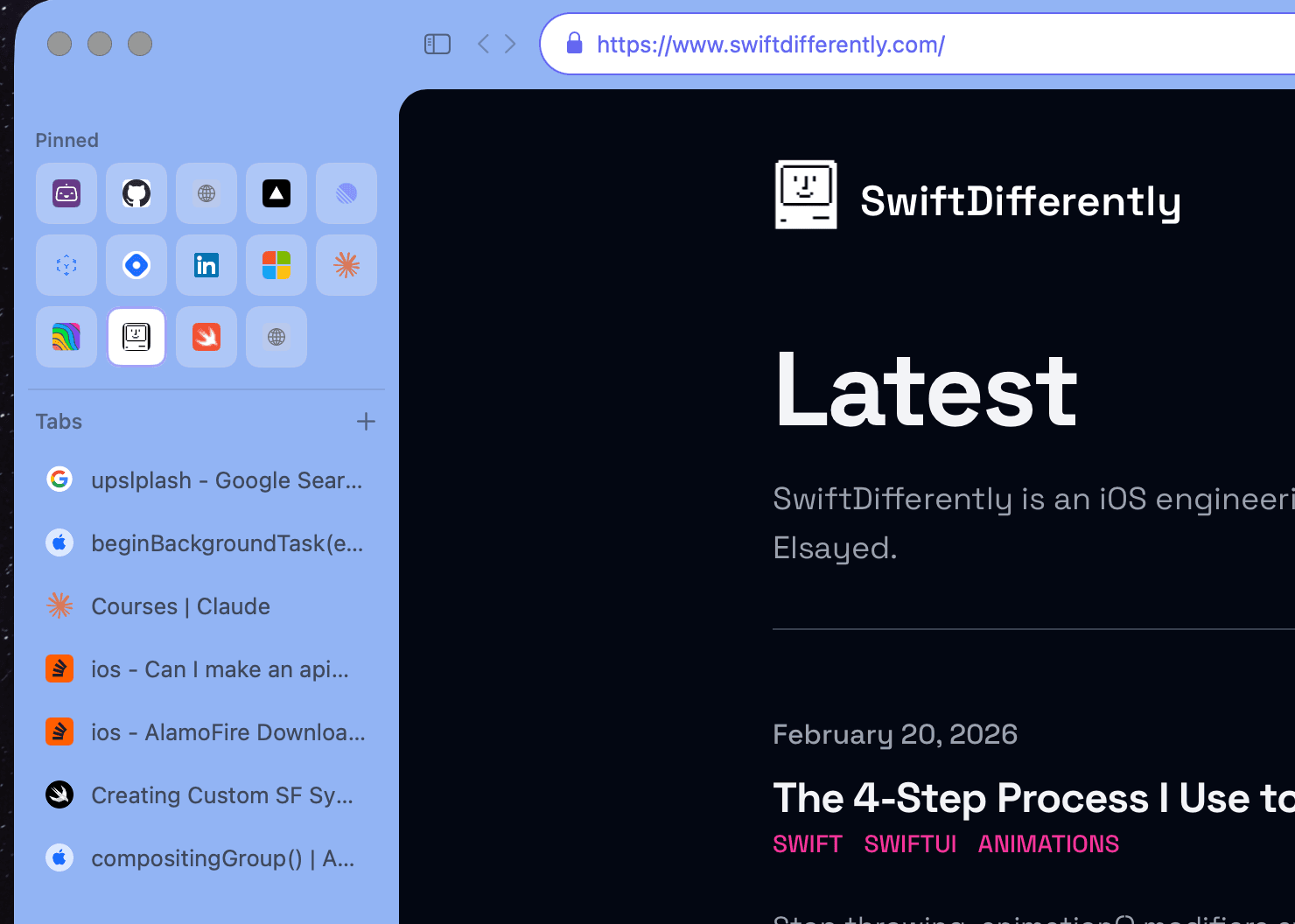
Vertical sidebar
Tabs live on the left, stacked vertically like a calm reading list. More room for page titles, less eye-darting along a cramped top bar.

Calm by design — vertical tabs, seven themes, ⌘K everywhere, Zen mode. Safe by default — on-device AI that softens adult content automatically. Native macOS, built on WebKit.
v0.8.6 · Release notes ↗Vertical tabs that breathe. Seven themes for your mood. ⌘K to find anything. Zen mode when you need to focus. The browser you actually want to open every morning.
Tabs live on the left, stacked vertically like a calm reading list. More room for page titles, less eye-darting along a cramped top bar.
Click a palette to feel it live — the whole site shifts with you.
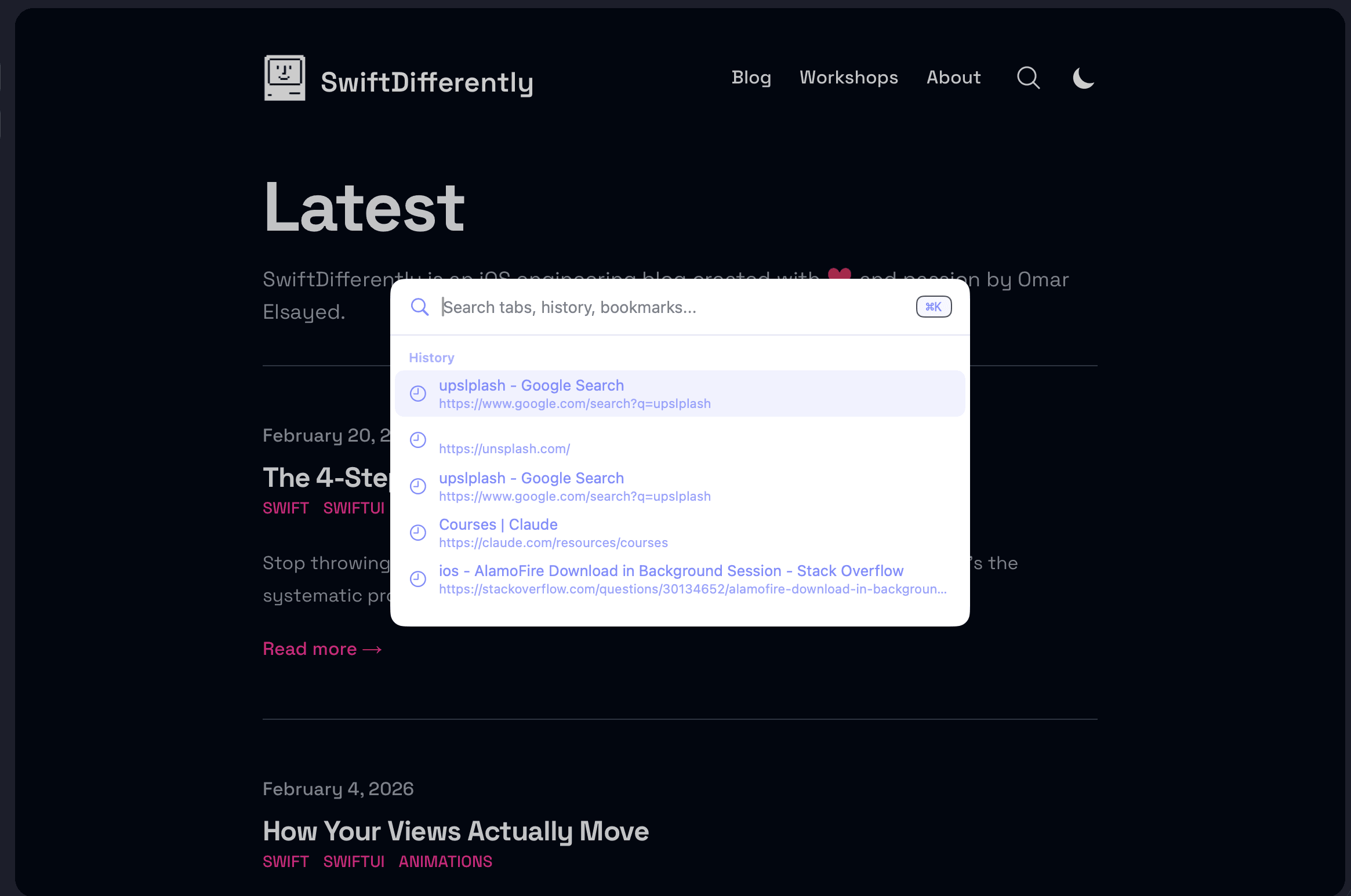
Press ⌘K to search tabs, history, and the web from one calm overlay. No context switching.
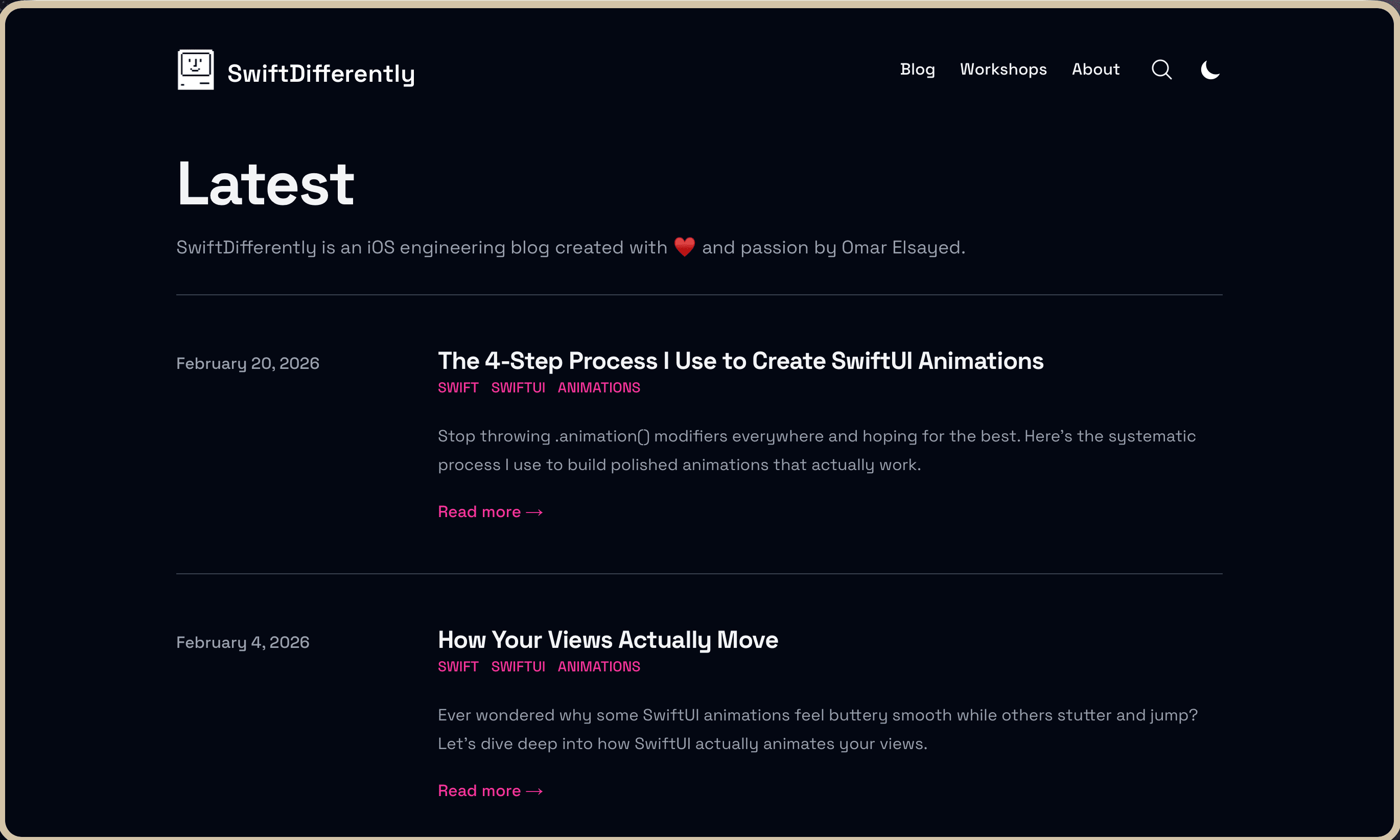
Hide the chrome, dim the noise, keep only the page. One shortcut away when you need to read, write, or think.
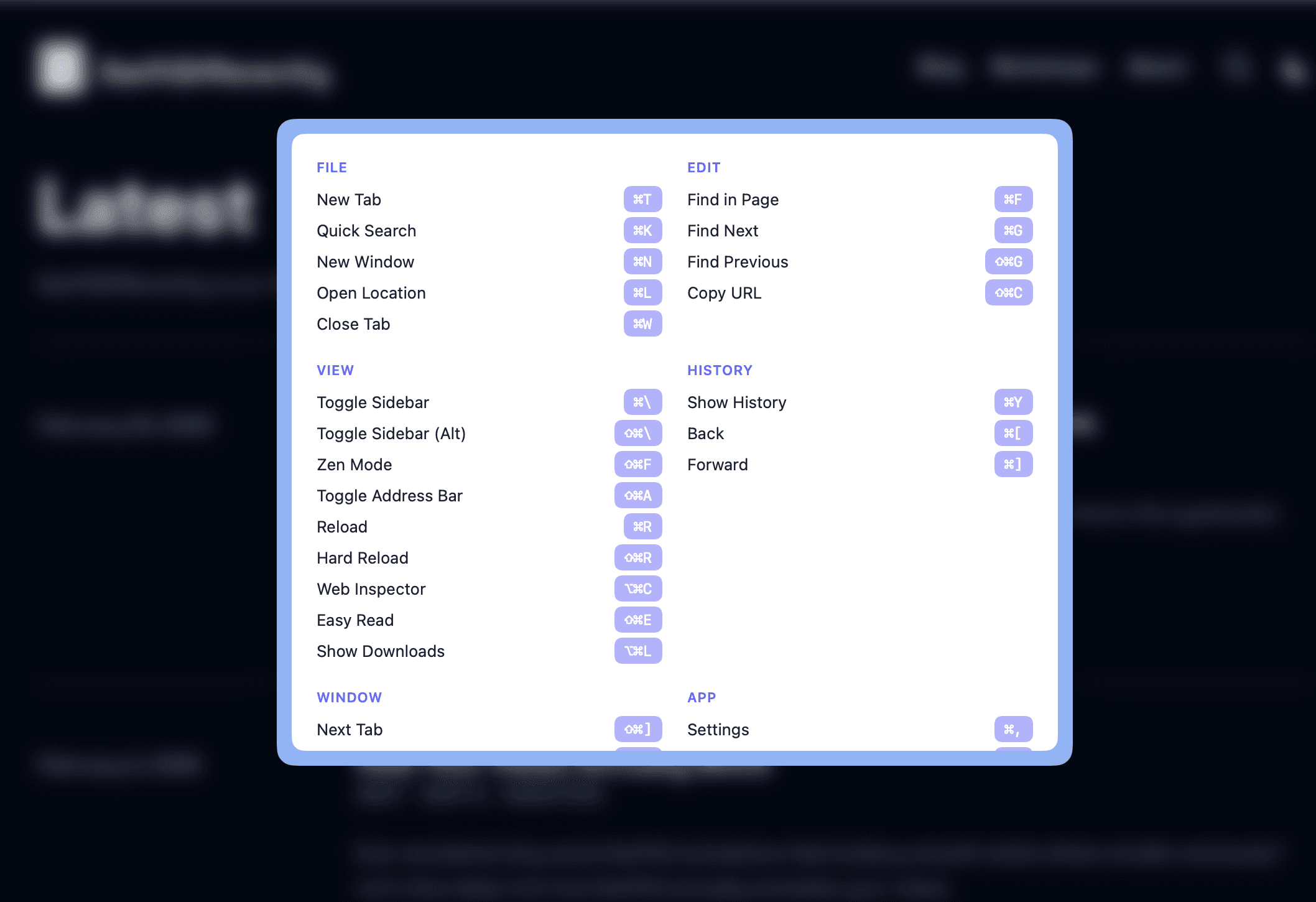
Made for the keyboard. ⌘ + / pulls up the full list anywhere — no hunting through menus.

When things go sideways, Blur doesn't lecture you with a stack trace. You get a witty, human error page that makes you smile.

Your vault, built into the browser. Encrypted on-device, unlocked with Touch ID. Import from 1Password or Apple Keychain in one drag.

Real numbers, not promises. See exactly which trackers Blur blocked for you, broken down by site and source.
The same engine that powers Safari. Fast to load, gentle on your battery, honest to web standards.
Blur reads every image and video frame in real time and softens what doesn't belong. No keyword lists. No URL blocklists. No "nope, that site isn't on the registry yet." If your browser can show it, Blur can see it.
Instagram, TikTok, X, Reddit, Facebook. Your scroll stays calm — even when the algorithm doesn't.
Yes, Netflix too. And YouTube, Prime Video, Disney+. Family movie nights without the sweaty-palms preview.
Random article, Wikipedia rabbit hole, iframe from who-knows-where. If pixels reach the screen, Blur is already on them.
"AI" usually means a server round-trip, a spinner, and a pause. Blur skips all of that. The detection model runs on your Mac's GPU — locally, in milliseconds — so the browser stays as fast as the WebKit it's built on.
The detection model runs on your Mac's Metal-accelerated GPU — the same silicon that drives Final Cut, Logic, and your games.
Nothing leaves your Mac. No API calls, no network latency, no cold starts. Frames are analyzed before they finish rendering.
Apple Silicon eats AI inference for breakfast. Blur stays cool, the fan stays quiet, the battery stays full.
Blur is for anyone who'd like a little more peace and a little less surprise from their browser.
Pick a film together. Trust the browser to handle the scenes you'd rather skip past — without pausing, fast-forwarding, or that awkward "oh, hold on" moment.
Open a tab. Read an article. No ambush from a sidebar ad or a thumbnail you didn't ask to see. Just the web, the way it should have been.
Demos, presentations, classroom projectors, screencasts. One less thing to worry about going sideways in front of an audience.
Blur is in beta — what you see today is the first chapter, not the last. There's a longer list of features in motion than this section can hold, and the best ones are usually the ones you ask for.
Block entire domains at the browser level. No extensions, no workarounds — they just don't load.
Better accuracy, faster inference, and fewer false positives. Always on-device.
Same calm browsing, on the go. Bringing Blur to iOS and iPadOS is next on the list.
The best features come from the people actually using Blur. Tell us what's missing.
Blur is free, open source, and downloads in under thirty seconds. Try it for an evening — uninstall in a click if it's not for you.
v0.8.6 · macOS 14 (Sonoma) and later · Free, no email required